Menu bar tooltip gets stuck on screen (macOS)
-
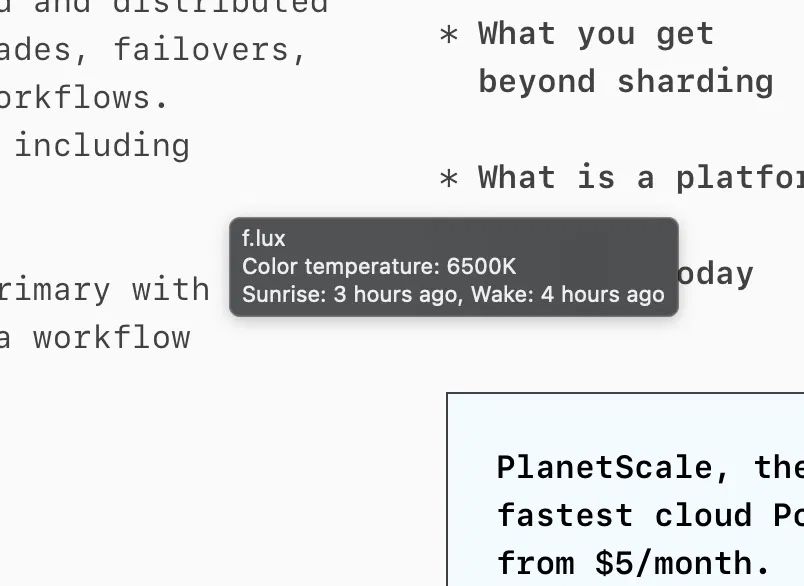
The tooltip from the f.lux menu-bar icon randomly gets stuck in the middle of my screen. It’s the one that shows “Color temperature: 6500K / Sunrise: … / Wake: …”. It stays on top of every window and doesn’t go away when I move the mouse or switch apps. Quitting and reopening f.lux removes it.
macOS version: 27.x
f.lux version: 42.2
How often: randomly; I haven’t found a reliable way to trigger itScreenshot attached.
-
This post is deleted! -
@whp_wessel the build we posted did not help, so we have made a pref toggle for now to disable them entirely:

Hello! It looks like you're interested in this conversation, but you don't have an account yet.
Getting fed up of having to scroll through the same posts each visit? When you register for an account, you'll always come back to exactly where you were before, and choose to be notified of new replies (either via email, or push notification). You'll also be able to save bookmarks and upvote posts to show your appreciation to other community members.
With your input, this post could be even better 💗
Register Login