f.lux is breaking G-SYNC after waking from sleep / hibernation
-
I found that f.lux was breaking G-SYNC functionality on my system after waking from sleep / hibernation.
Restarting the system or quitting f.lux restored G-SYNC functionality.
By method of elimination I started disabling startup apps and noticed the issue went away after I closed f.lux.
After tinkering with f.lux settings I tracked the following option to be the culprit:
"Use GPU for better quality with very warm colors"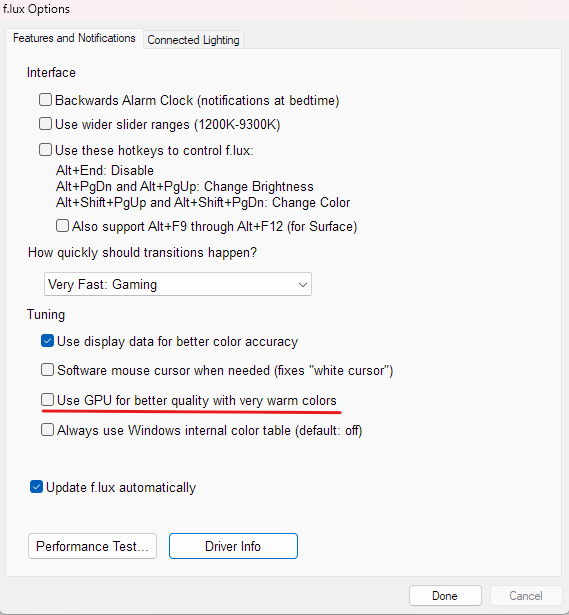
My A/B testing method involved using:
-
Nvidia G-SYNC Pendulum Demo app - when issue occurred, it falls back to "No V-SYNC" and does not allow manually switching back to "G-SYNC"
-
"Show indicator" option enabled inside Nvidia app
-
my monitor's built-in FPS counter which actually shows the dynamic / static refresh rate depending on whether VRR has been engaged or not
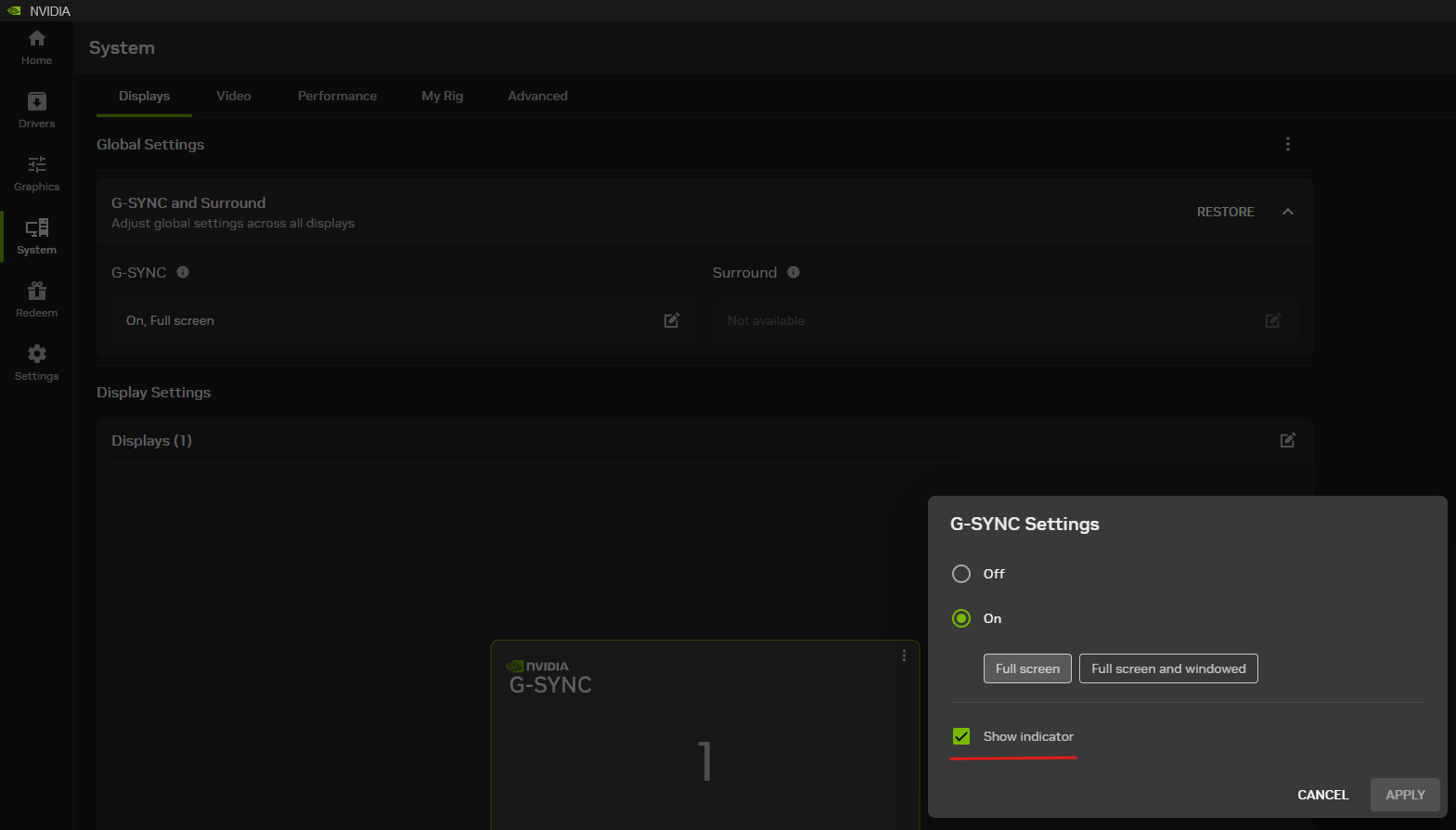
It appears the issue does not occur when the culprit "use GPU" setting is not enabled, but I got burned by it and will switch to Windows native Night Light for a while.
Below is my system spec copied automatically by f.lux settings "Driver info":
NVIDIA 32.0.16.1714: NVIDIA GeForce RTX 4080 (20260917)LG ULTRAGEAR(DisplayPort), 697 x 392mm, built 2022
Chromaticities:
R=0.685547 0.308594
G=0.264648 0.667969
B=0.150391 0.057617
W=0.313477 0.329102
sRGB gamut: 101%, AdobeRGB gamut: 83%Unlimited gamma ramp=1, Internal ramp=0
Monitor 1 on NVIDIA GeForce RTX 4080
Has VCGT profile=0, Gamma Ramp works=1
Profile:Windows Build: 26300.9550
-
-
@GramNaJoysticku this is related to one of the "new" Windows 11 bugs which we think we fixed and is in the next beta