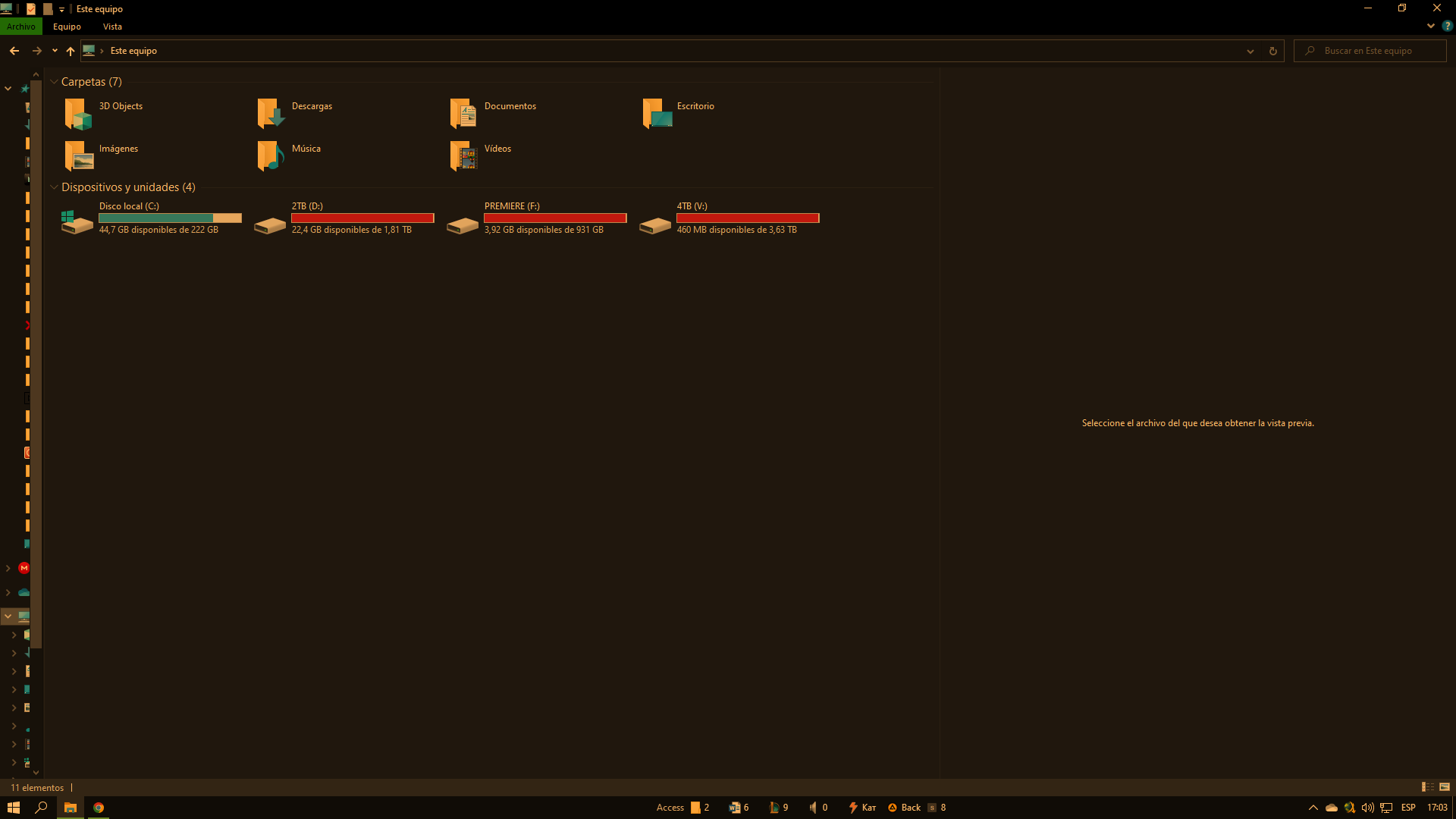
Orange screenshots. How to correct?
-
When I take a screenshot (Ctrl + PrtSc), the images come out with the orange tint of F.lux.
Is there a way to configure it so that this doesn't happen?
Because every time I want to take a screenshot, I have to disable the program for a moment.
-
@kpoviv If you're only screenshoting a certain application (fileexplorer or something else, or just upon fullscreening any), you can tell f.lux to disable itself automatically while that application is in forground.
Alternatively, for firefox, if you use the build in screenshoting feature of itself, it stays true to actual colors and ignores the shift created by f.lux.
-

Hello! It looks like you're interested in this conversation, but you don't have an account yet.
Getting fed up of having to scroll through the same posts each visit? When you register for an account, you'll always come back to exactly where you were before, and choose to be notified of new replies (either via email, or push notification). You'll also be able to save bookmarks and upvote posts to show your appreciation to other community members.
With your input, this post could be even better 💗
Register Login